 by
Your work calendar lives in Outlook, your partner runs everything from an iPhone, and the school sends events as yet another calendar link. Nobody has the full picture, so somebody (usually the same somebody) ends up checking all three. Here’s how to pull it all into one Google Calendar the whole family can see.
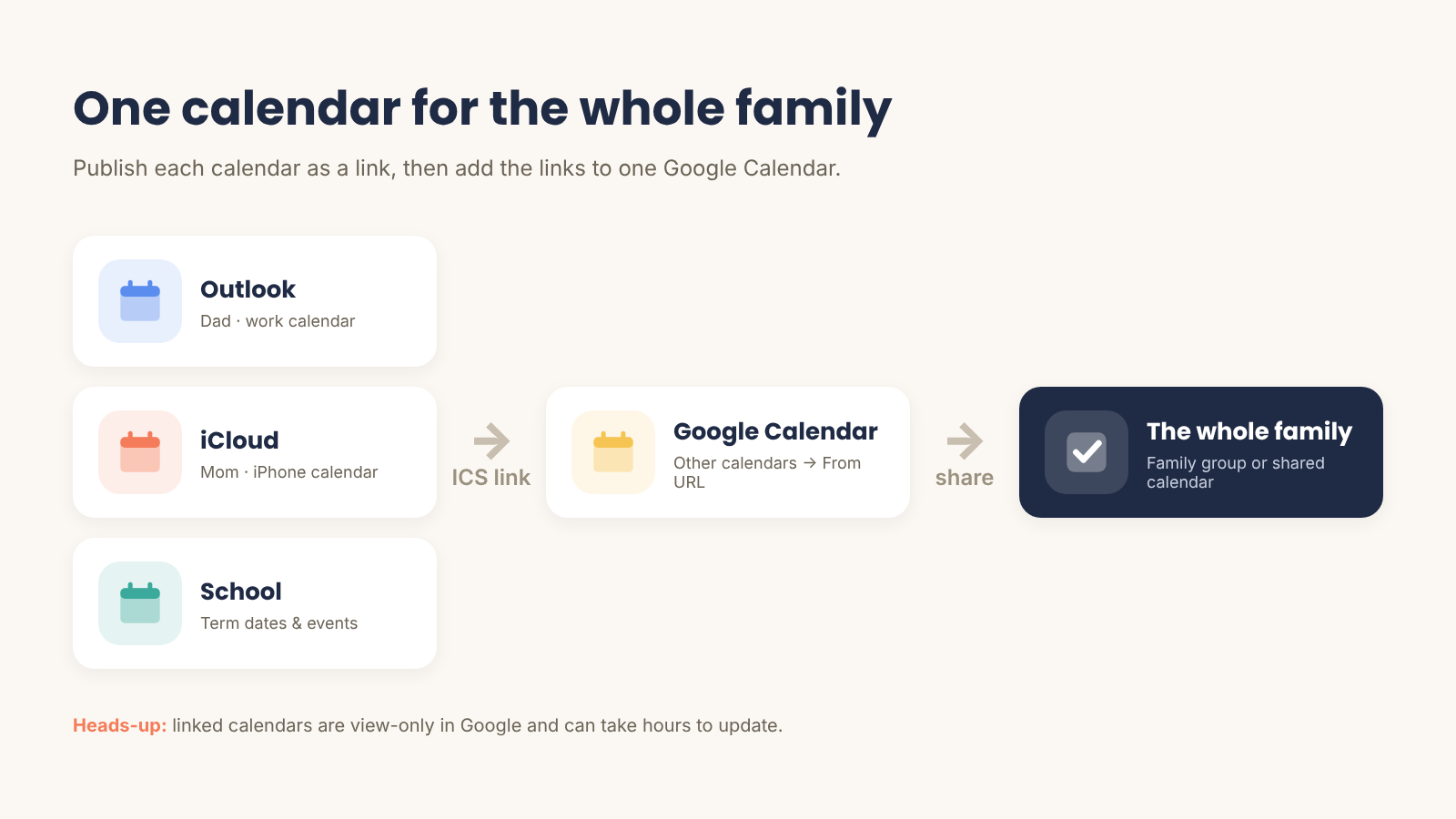
Quick answer: Publish your Outlook calendar as an ICS link, then add that link in Google Calendar under Other calendars → From URL. The same trick works for iCloud calendars.
Below are the exact steps for both, how to share the result with your family, and the catch nobody mentions: the copy updates slowly.
Pulling everything into one Google Calendar is a free fix. It’s not perfect, and we’ll cover the limits, but for most families it’s a big step up.
How to add an Outlook calendar to Google Calendar
These steps use Outlook on the web (outlook.com or Outlook for Microsoft 365). The desktop app has the same settings in a slightly different place.
Step 1: Publish your Outlook calendar
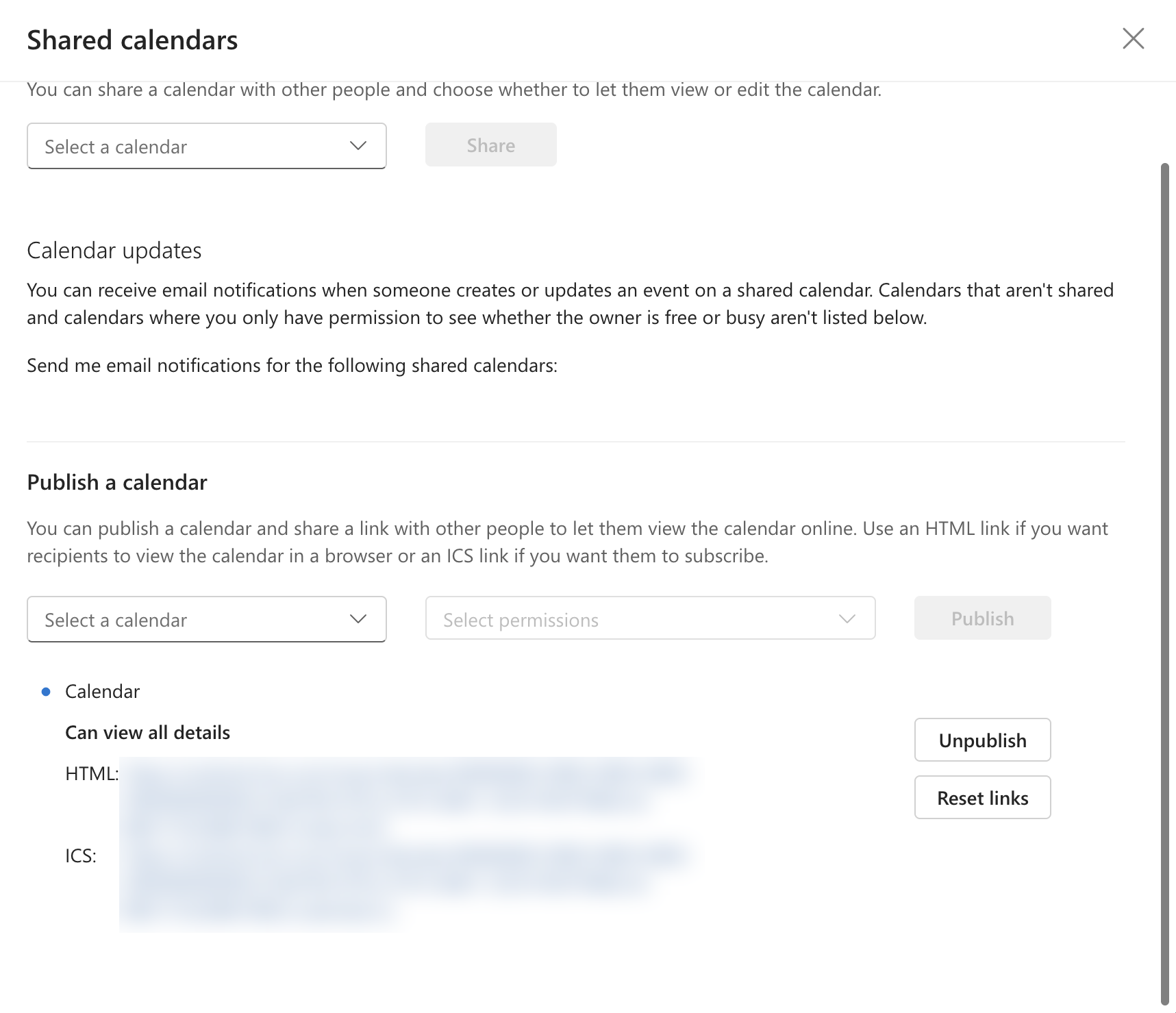
- Open Outlook on the web and go to Settings (the gear icon) → Calendar → Shared calendars.
- Under Publish a calendar, pick the calendar you want to add.
- Choose Can view all details (or Can view titles and locations if you’d rather keep notes private).
- Click Publish. Outlook creates two links: an HTML link and an ICS link.
- Copy the ICS link. That’s the one Google needs.
Step 2: Add it to Google Calendar
- Open Google Calendar on a computer (this step isn’t available in the phone app).
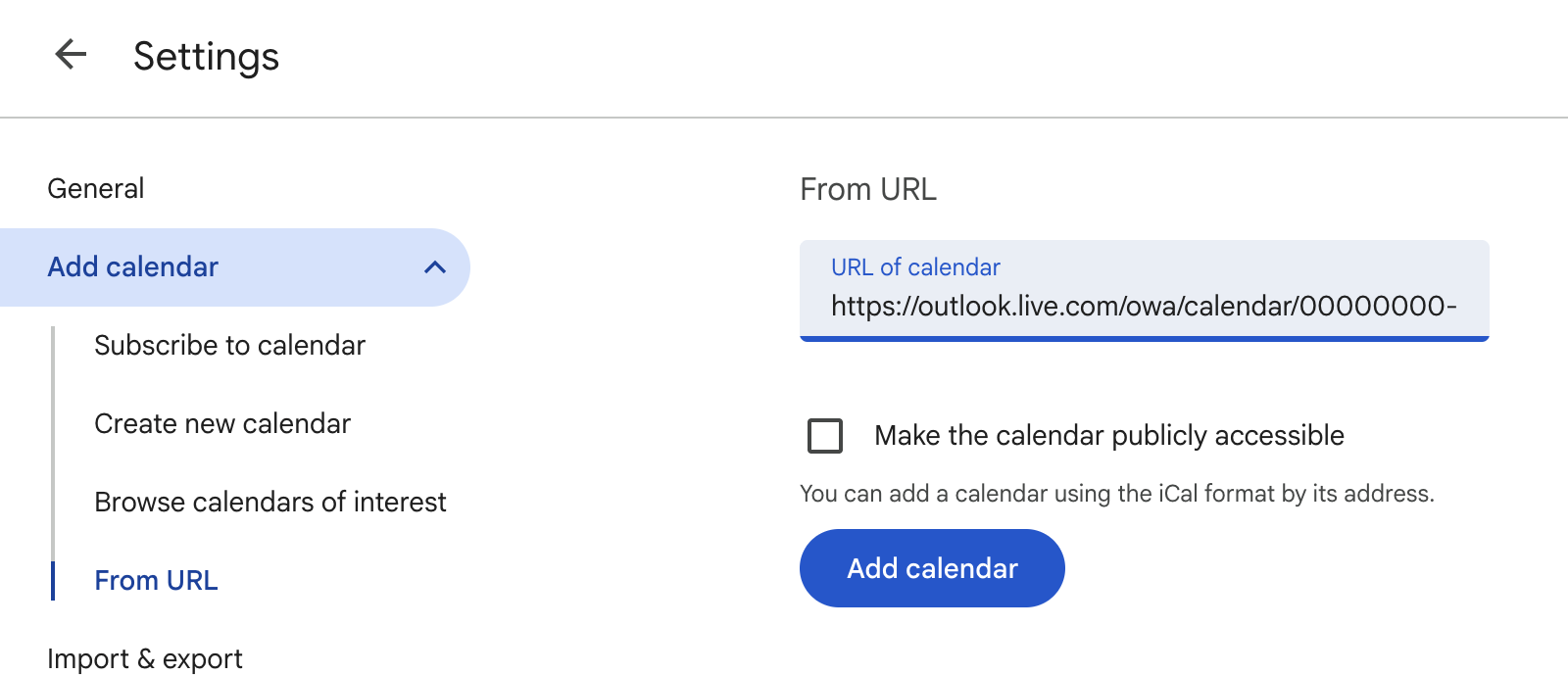
- In the left sidebar, next to Other calendars, click + → From URL.
- Paste the ICS link and click Add calendar.
- Your Outlook calendar now appears under Other calendars. Give it a clear name and a color in its settings, like “Dad – Work”.
Using a work account? Some companies switch off calendar publishing. If you can’t see Publish a calendar, check with your IT team before trying workarounds.
How to add an iCloud (Apple) calendar to Google Calendar
Step 1: Get a link to your iCloud calendar
- On your iPhone, open the Calendar app and tap Calendars.
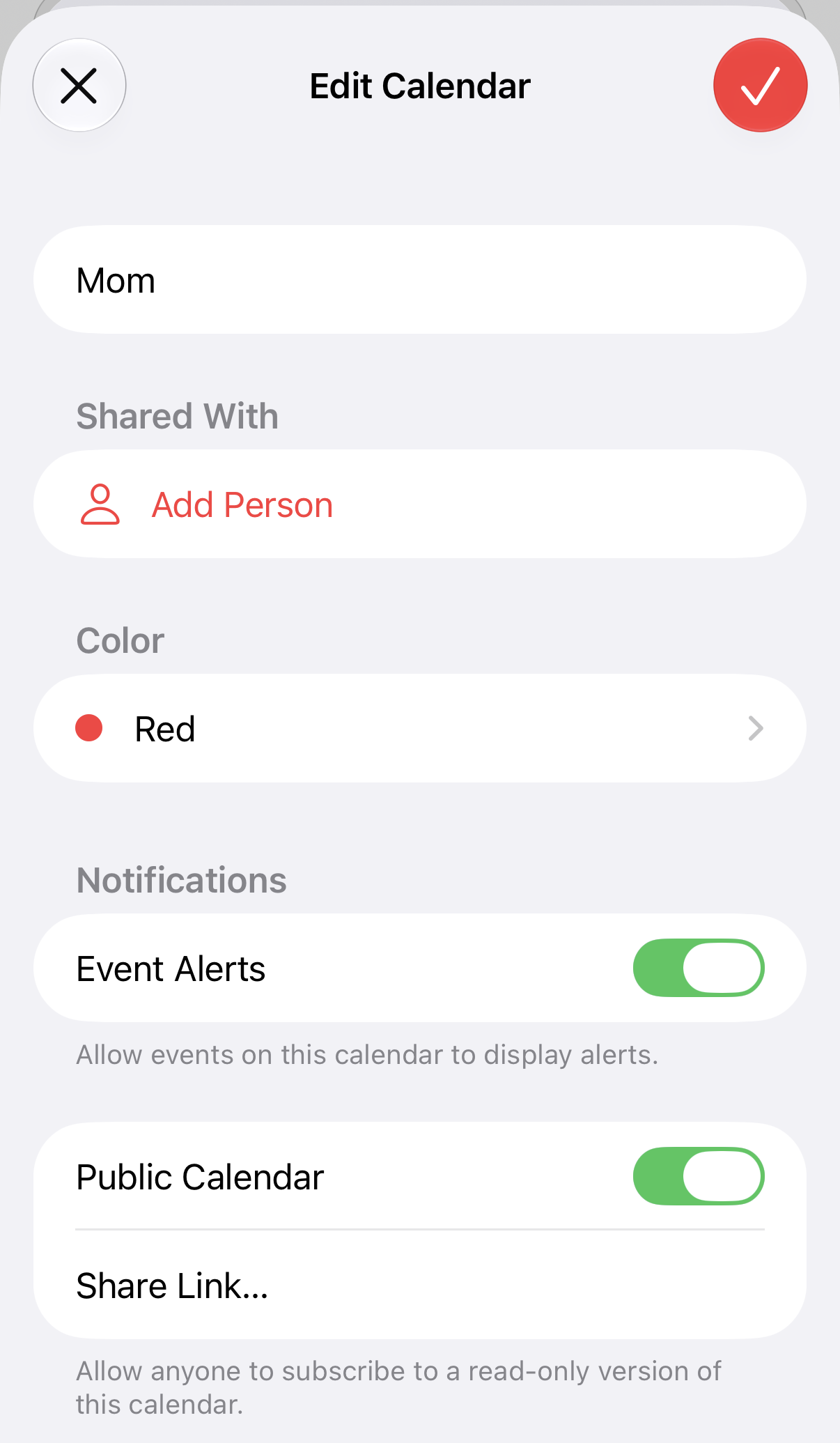
- Tap the (i) next to the calendar you want to add.
- Turn on Public Calendar, then tap Share Link and copy it. (On a computer, you can do the same from iCloud.com.)
Step 2: Add it to Google Calendar
Follow the same steps as above: Other calendars → + → From URL, paste the link, then Add calendar.
If Google won’t accept it, change the start of the link from webcal:// to https:// and try again.
A privacy note: “public” means anyone who has that link can see the calendar. It won’t show up in searches, but don’t post the link anywhere, and consider a separate family calendar for this rather than your personal one.
One limit: Apple doesn’t let its built-in Family and Birthday calendars be shared as a link, so those two can’t be added to Google this way. Every other iCloud calendar can.
How to share Google Calendar with your family
Once everything is in Google, there are two easy ways to share it.
Option 1: Use a Google family group. If you’ve set up a Google family group, Google gives the group a shared Family calendar automatically. Anything you add there shows up for everyone in the group.
Option 2: Share a specific calendar.
- In Google Calendar on a computer, go to Settings → under Settings for my calendars, click the calendar.
- Under Share with specific people or groups, click Add people and groups.
- Add each family member’s email and pick what they can do: see all event details, or make changes.
One catch: calendars you added from a link (your Outlook or iCloud copies) are read-only copies. You can share your Google calendars, but the Outlook and iCloud ones stay tied to their original link.
The catch: linked calendars update slowly
This is the part most guides skip. When you add a calendar from a link, Google checks it for changes on its own schedule. In practice that can mean several hours, sometimes up to a day, and there’s no button to force a refresh.
So if your partner moves a meeting in Outlook at 9 a.m., it might not show in Google until the afternoon or the next day. For birthdays and school terms, that’s fine. For “pick-up moved to 3:15 today”, it isn’t.
Two more limits worth knowing:
- It’s view-only. You can’t edit an Outlook or iCloud event from Google. Changes have to be made in the original app.
- The link is the key. If someone stops publishing the calendar in Outlook or turns off “Public Calendar” in iCloud, the copy in Google stops updating.
Troubleshooting
| Problem | Fix |
|---|---|
| No “Publish a calendar” option in Outlook | Your work account may block it. Ask IT, or use a personal calendar for family events. |
| Google won’t accept the iCloud link | Change webcal:// to https:// at the start of the link. |
| New events aren’t showing | Wait. Google refreshes linked calendars on its own schedule, often hours. |
| The calendar has a long, random name | Open its settings in Google Calendar and rename it. |
| I can’t add a calendar from the phone app | “From URL” only works in Google Calendar on a computer. Once added, it shows on your phone too. |
Skip the merging: put every calendar on one screen
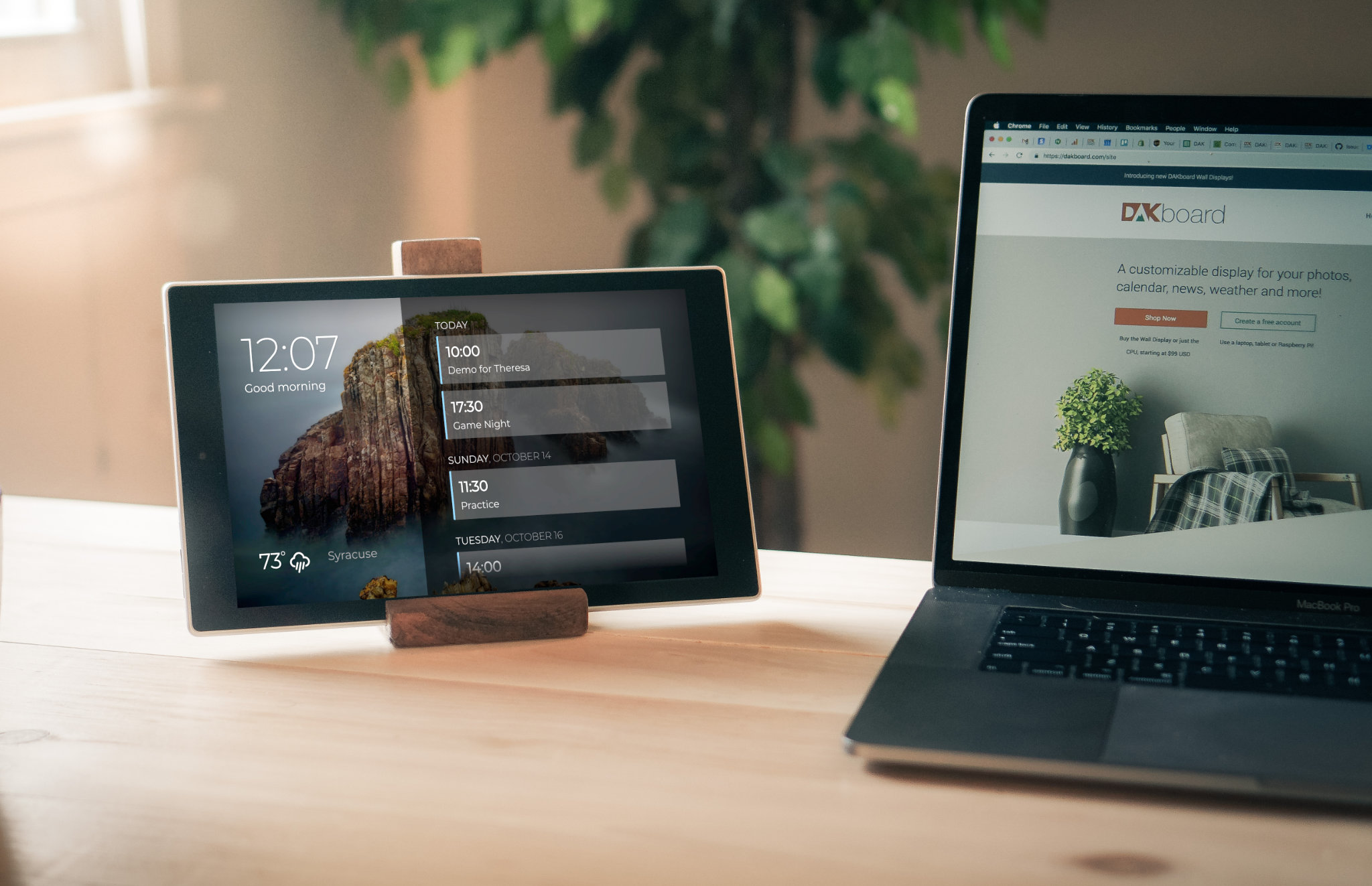
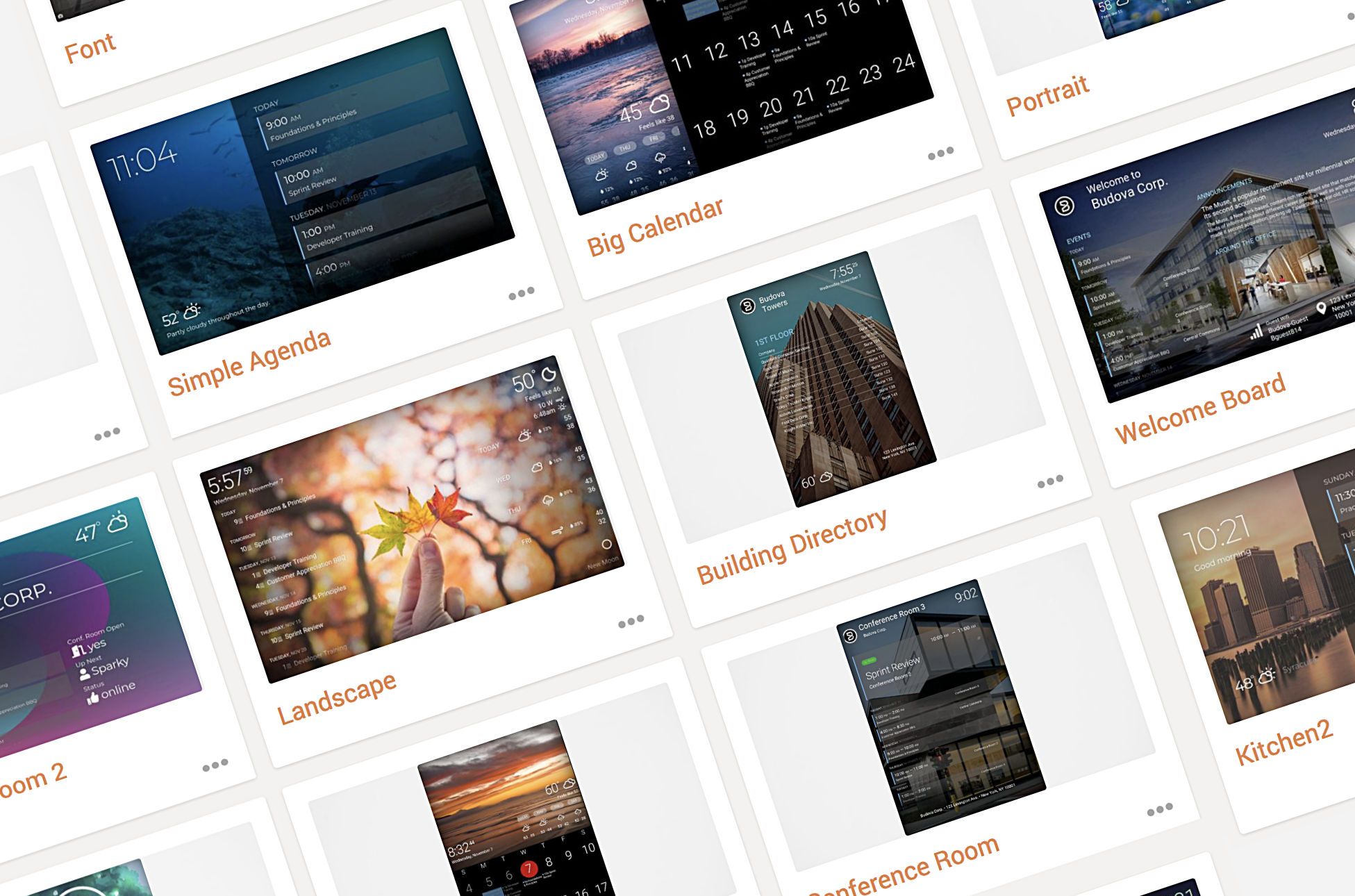
If the real goal is “everyone in the family can see what’s happening this week”, there’s a simpler route than merging calendars into Google. DAKboard is a smart wall display that puts your family’s calendars, photos and to-dos on one screen in the kitchen. It connects to Google, Outlook and Apple iCloud calendars directly and shows them side by side, each person in their own color, alongside school and sports calendars. Google and Outlook calendars connect by signing in, so they don’t have to be made public, and nobody has to remember to check an app.
See how DAKboard brings your family’s calendars together, or set up your Google Calendar wall display in a few minutes.
Frequently asked questions
Can I add an Outlook calendar to Google Calendar? Yes. Publish the Outlook calendar as an ICS link, then add it in Google Calendar under Other calendars → From URL. It appears as a read-only calendar.
How often does an Outlook calendar update in Google Calendar? Google checks linked calendars on its own schedule, often every few hours and sometimes up to a day. You can’t force a refresh.
Can I sync my iCloud calendar with Google Calendar? You can show it in Google by turning on Public Calendar in iCloud and adding the link in Google. It’s a one-way, read-only copy, not a two-way sync.
Can I edit Outlook events from Google Calendar? No. Calendars added from a link are view-only in Google. Make changes in Outlook and they’ll appear in Google after the next refresh.
What’s the easiest way to share a calendar with my family? A Google family group gives everyone a shared Family calendar automatically. For a calendar the whole family sees without opening an app, a wall display in the kitchen works best.