 by
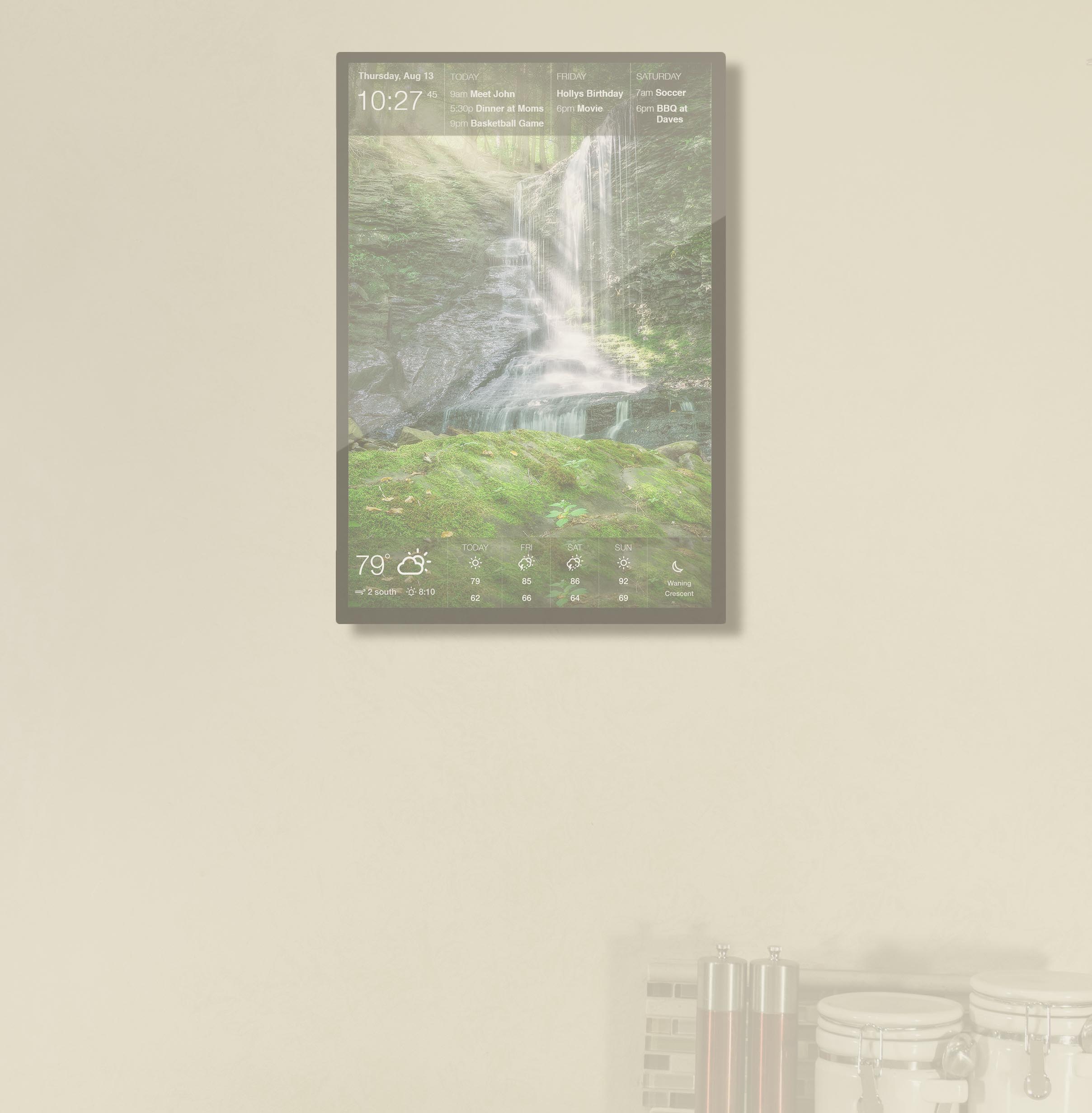
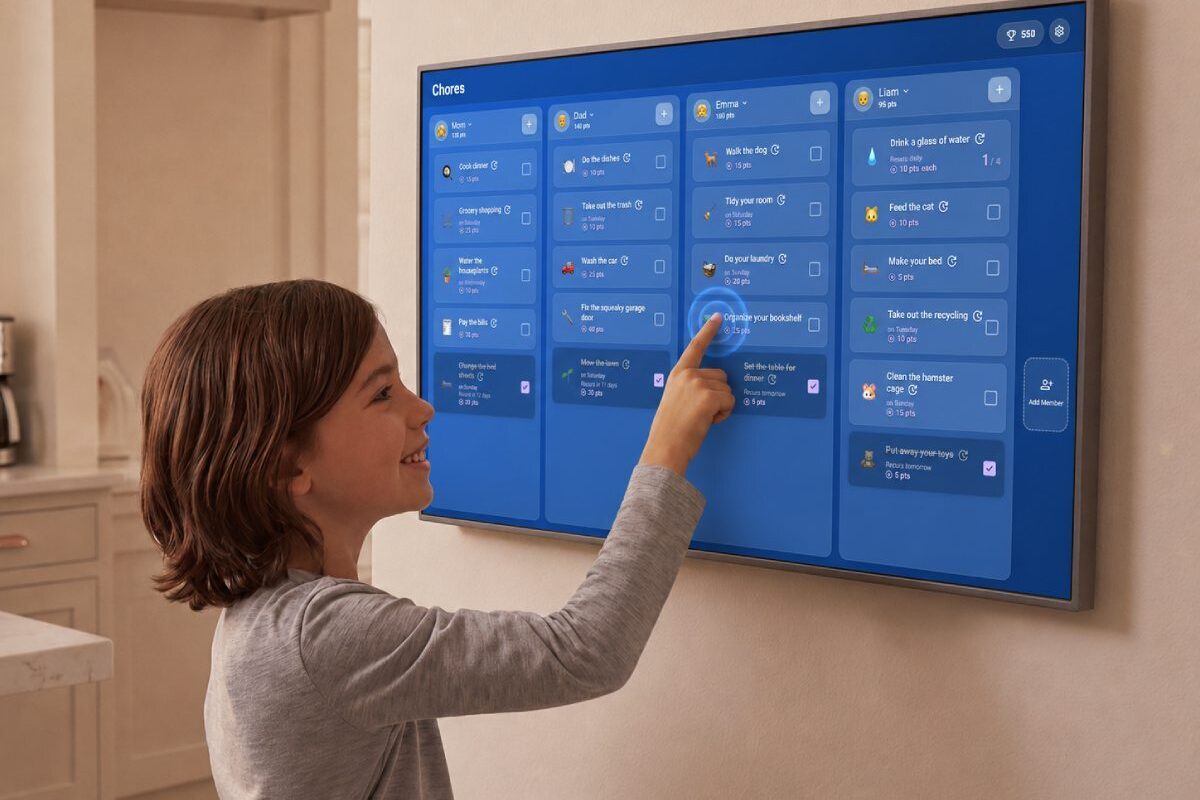
by If your household runs on a constant loop of “did you do your chores?” and “whose turn is it?”, we built something for you. Introducing TouchHub, a new touchscreen experience that turns your DAKboard into a command center the whole family can tap into. See the full family calendar display experience on our DAKboard for Family page.
TouchHub brings together a handful of tools designed to take the daily load off mom and dad and hand a little of it back to the kids.
A Shared Chore Chart That Lives on the Wall
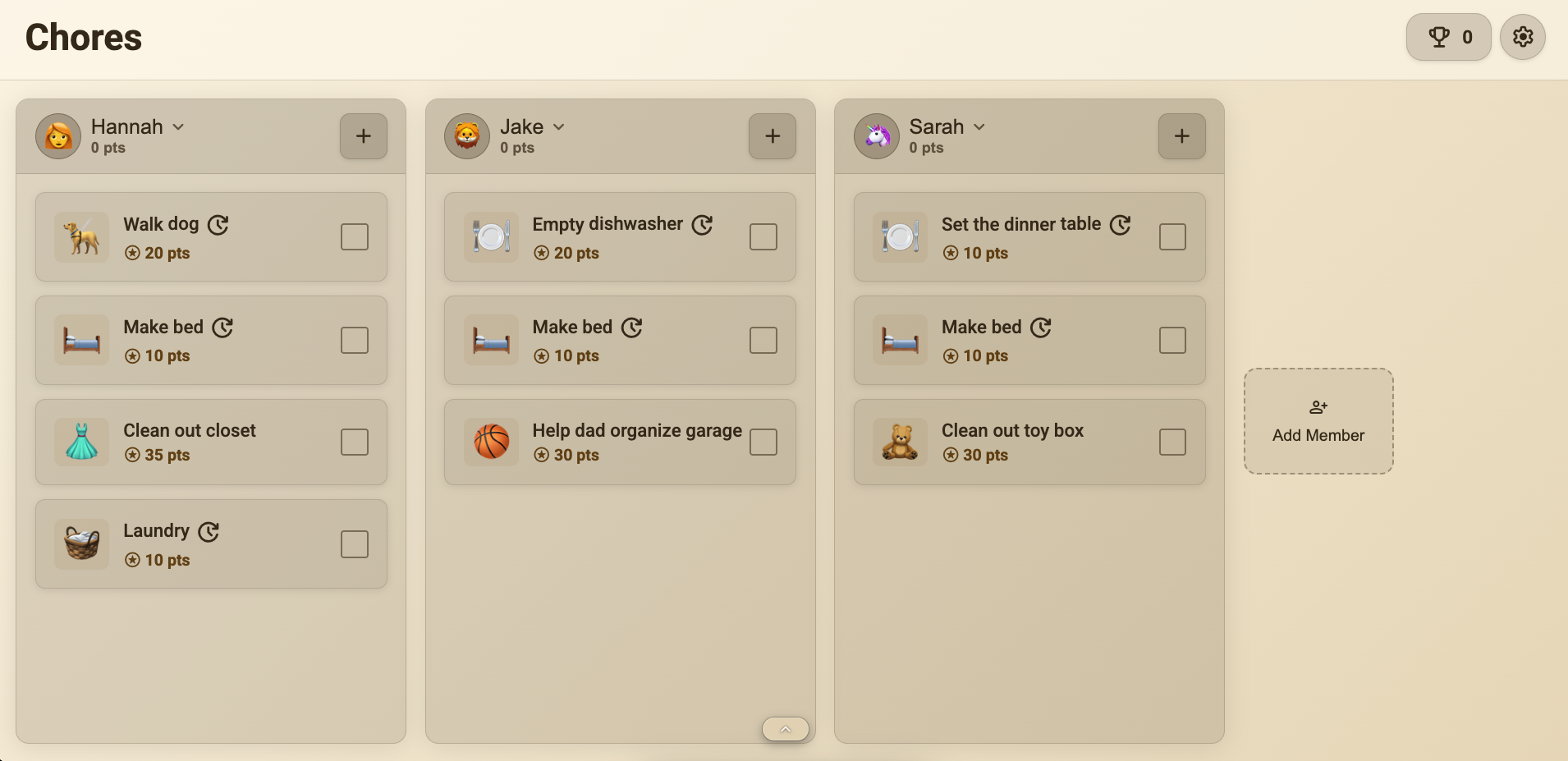
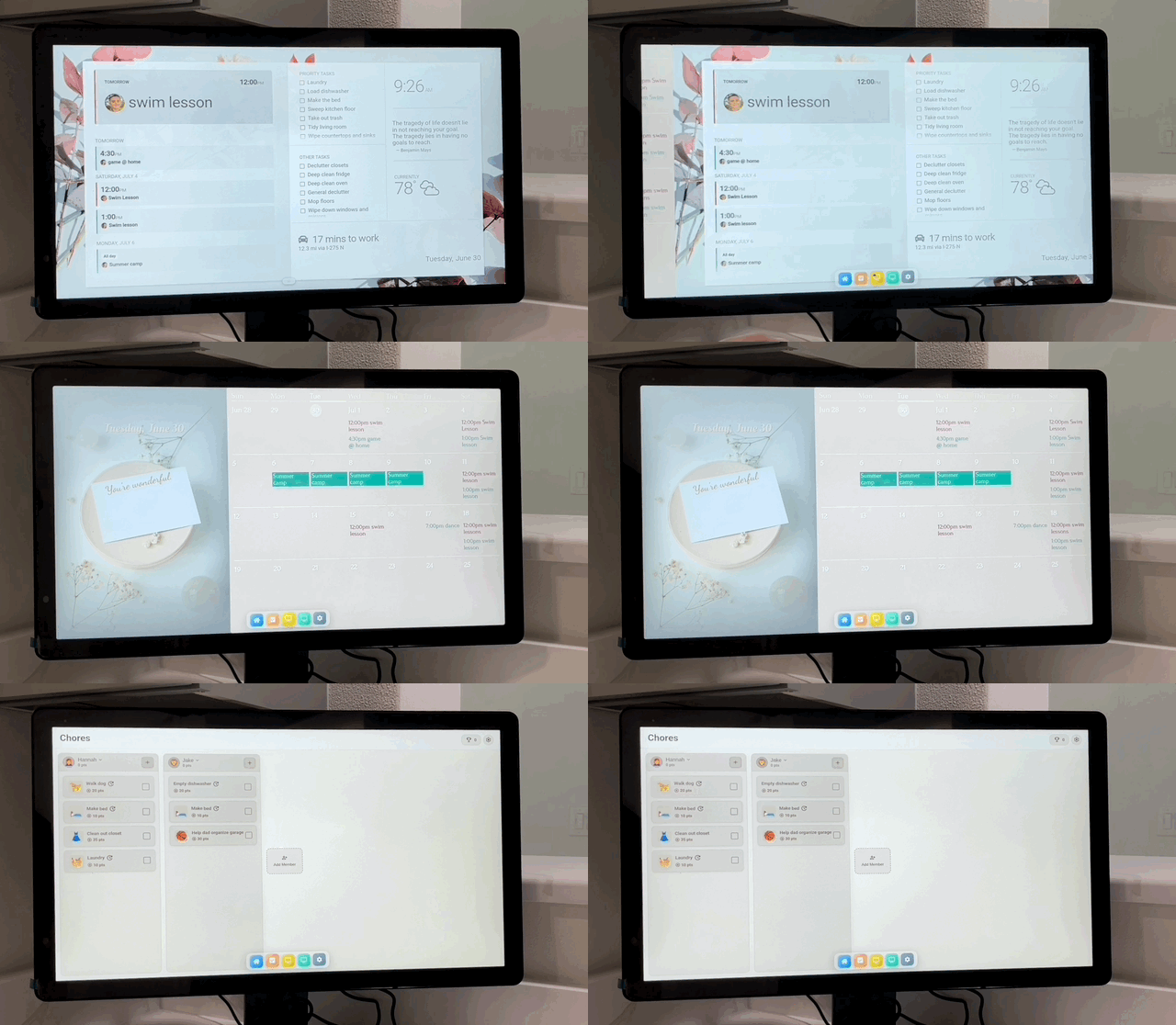
The star of the show is the Family Chores Manager, a shared chore chart that gives every family member their own space right on your DAKboard. Finishing a job is as simple as tapping it off, and that’s something even the youngest kids can handle.
Chores can earn points that kids cash in for rewards you choose, whether that’s extra screen time, an allowance, or a weekend outing. A family leaderboard keeps the friendly competition going, and over time kids start managing their own routines, which means fewer reminders for you and a little more independence for everyone.
And here’s a favorite: there’s a built-in Child Lock, so your toddler can tap their own chores off without accidentally rearranging or deleting anyone else’s list. Everyone gets to join in, no cleanup required.
Note: The Family Chores Manager is available on DAKboard Essential and Plus plans.
Smart Home Control, Now Even Smoother
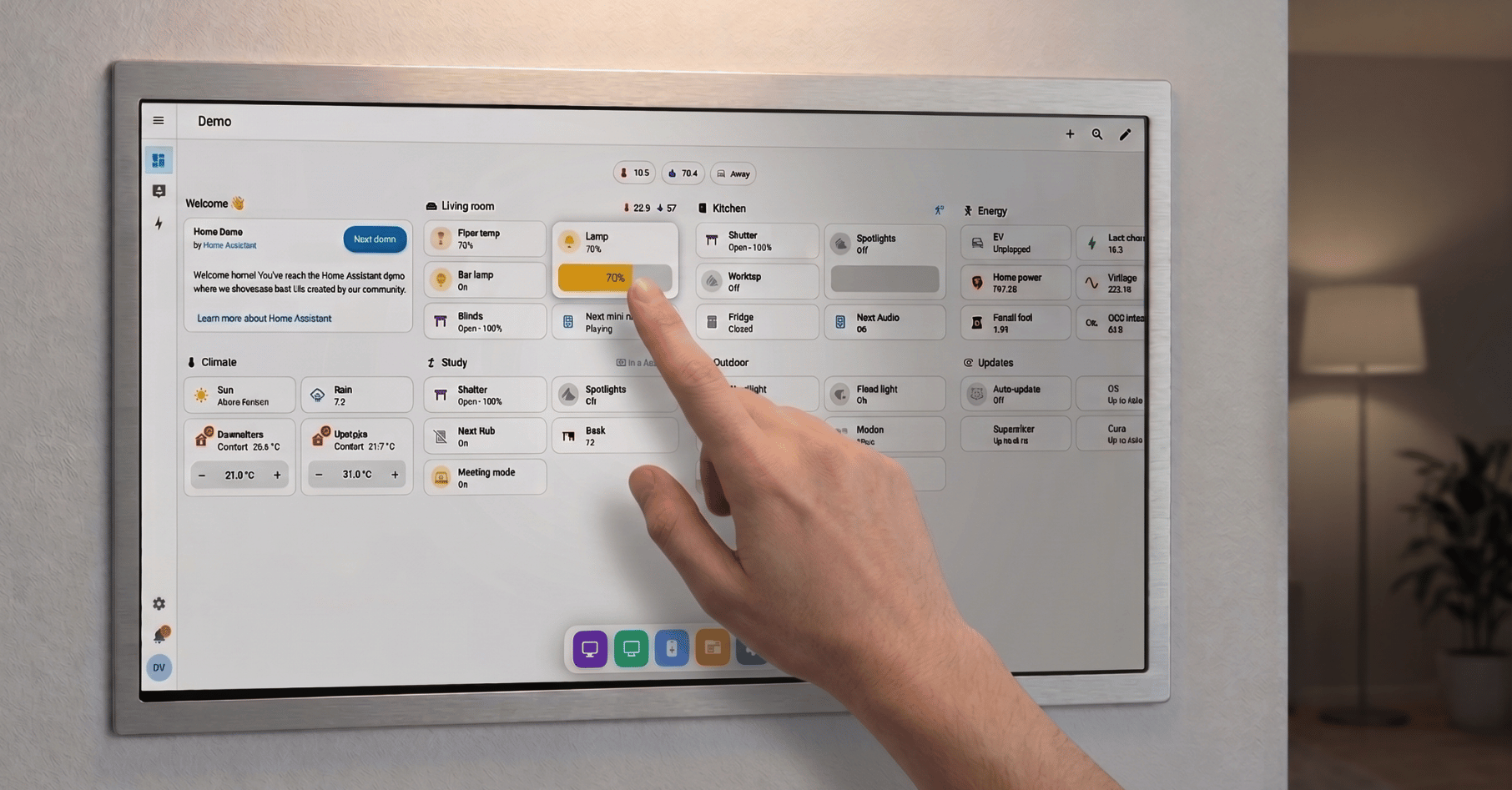
If you use Home Assistant, taking control of your smart-home devices is now even easier. with TouchHub it now runs as its own app you can tap right into. Controlling your lights, locks, and thermostats from the wall feels smooth and natural, as easy as flipping a switch.
One Tap to Anywhere
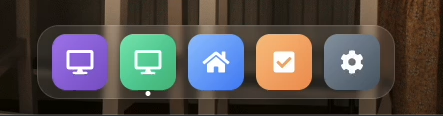
TouchHub also adds a handy dock at the bottom of your display, so moving between your screens and apps takes a single touch. Jump from your family calendar to your photos to your weather and back, all without digging through menus.
And we’re not done yet! A Meal Planner is on the way to take on the nightly what’s-for-dinner scramble, with recipes and grocery lists built right in. Stay tuned!
Get the Full TouchHub Experience
Since TouchHub and its apps are built around touch, you’ll need a touch display to get the full hands-on experience. Here’s how to set yourself up:
- Shop a DAKboard Wall Display. For a screen that’s made for the job and ready to mount on your wall, browse our dedicated touch wall displays. It’s the simplest way to get the complete TouchHub experience.
- Use a tablet you already own. Already have an Android tablet or an Apple iPad? You can put TouchHub right on it. Here’s how to set up an Android tablet or an iPad as your display.
- Just want a peek? You can create a touch app and try it out on any computer using your keyboard and mouse, no new screen required.
The base TouchHub experience and Home Assistant integration are available now on every DAKboard plan, including Free. The Chores Family Manager App is available on Essential and Plus plans only. Upgrade today to start bringing a little more order to your family’s daily shuffle!