 by
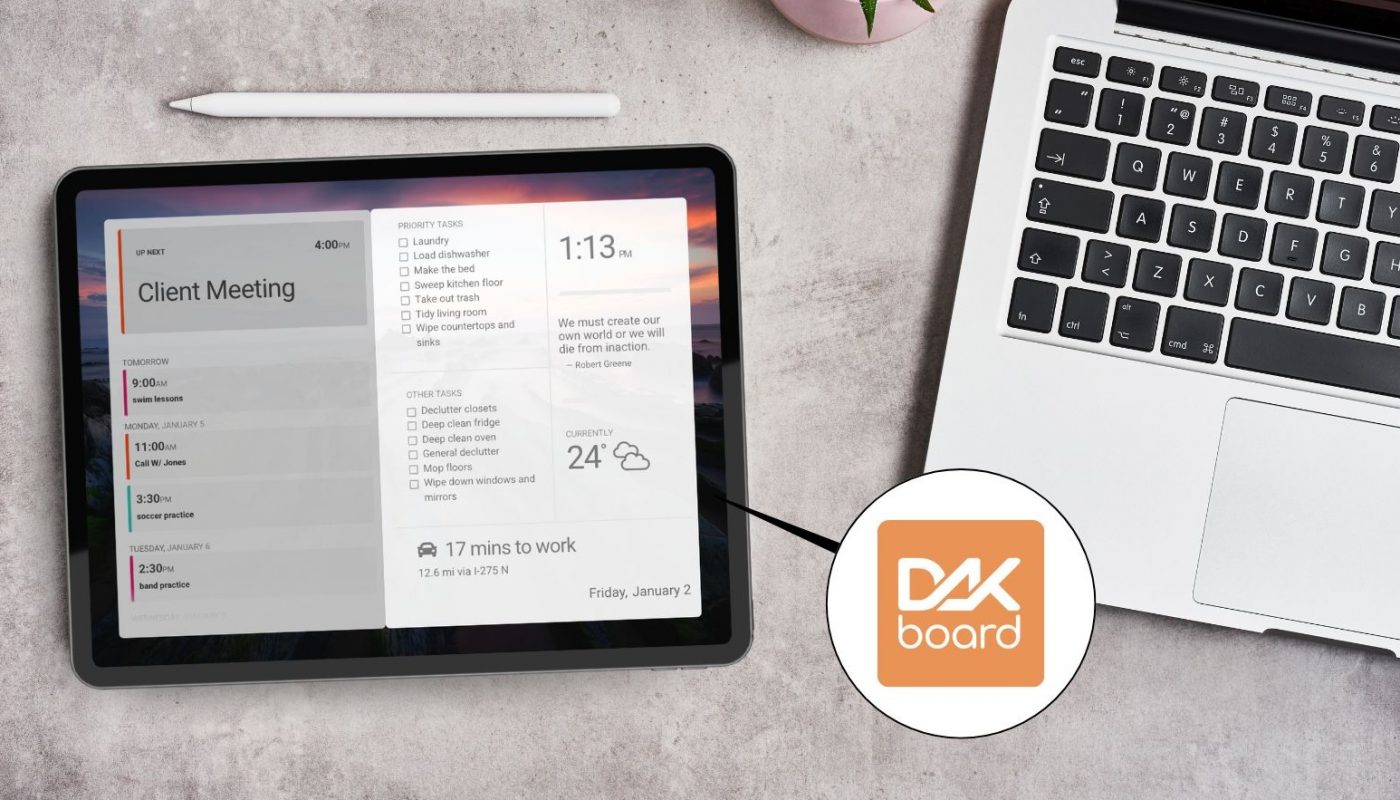
by Adding DAKboard into your home just got even easier! We are thrilled to announce that the all-new DAKboard App for Android is now available in the Google Play Store!
Whether you’re using a smartphone, a tablet, or any touchscreen devices, our improved app makes it easier than ever to turn any screen into a DAKboard display. No more fiddling with web browsers or complex URLs; just a native, stable, and sleek experience. Although the current app does not support Android TV, development for this is progressing so it will follow soon!
Get Up and Running in Minutes
Ready to get started? Here’s the “cheat sheet” to get your DAKboard set up with the app:
- Grab the App: Find the DAKboard App in the Google Play Store on your Android device.
- Get Your Link Code: Open the app and click the “Proceed to Screen” button to generate your unique, one-time Link Code.
- Link & Launch: Log into your DAKboard account, in the Devices section, click the “Add” button. Enter your code, select your screen, and your display will instantly come to life!
💡 Pro-Tip: Pixel-Perfect Resolution
When you first launch the app, you’ll see the Browser Resolution Page. This shows the exact dimensions your device supports. Take note of these numbers! You can use them when creating your Screen to ensure your layout fits your display perfectly, whether you are using it in Landscape or Portrait mode. Learn more how to get your Screen to fit your display.
Why Choose the Native Android App?
The new app saves you time with a streamlined setup, supports ‘always on’ features, and delivers massive value by turning the Android devices you already own into high-end displays—no extra hardware required! The DAKboard app for Android is an easy DIY solution for a wide range of devices. It functions exactly like a DAKboard CPU or Wall Display, giving you full control over your photos, calendars, and widgets on the screens you already have.
Ready for a deep dive? For a detailed walkthrough with full screenshots, check out our Step-by-Step Android Setup Guide.
Thanks!
We hope you find this functionality in DAKboard useful. As always, feel free to comment below, or contact us through our support site with any questions or feedback.
Follow us on Facebook, Instagram and YouTube to be among the first to learn about new integrations, tutorials, tips and inspiration.