 by
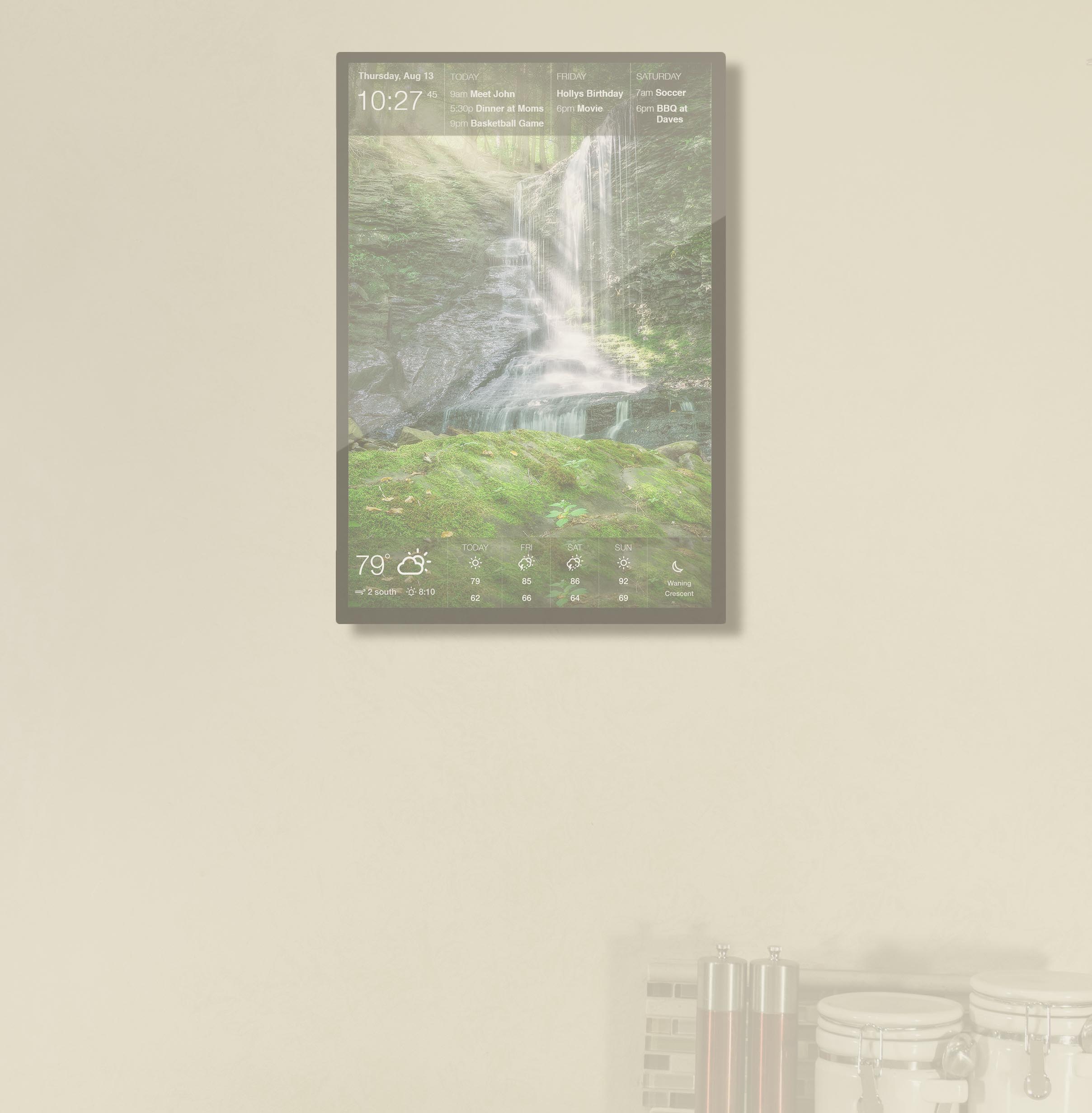
by Nothing beats the satisfaction of physically crossing an item off your to-do list. So we’re thrilled to share that Microsoft To Do tasks are now fully interactive!
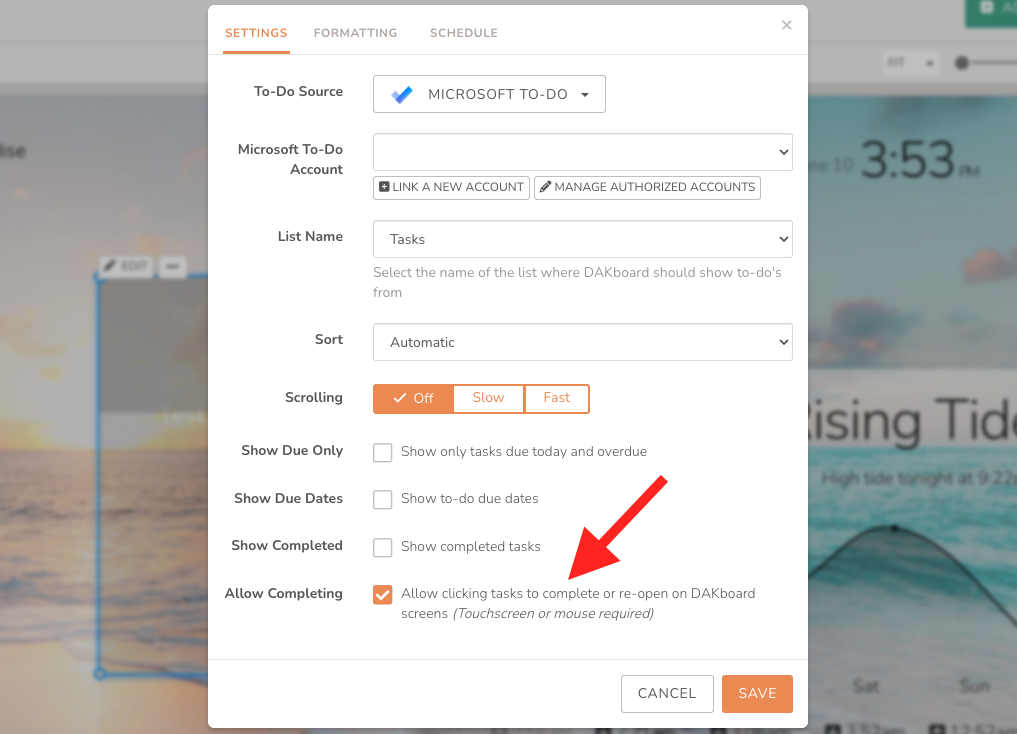
Tap your display to check off completed tasks in real time. It is quick, simple, and makes managing your day a breeze. This update joins our existing responsive task managers, like Google Tasks, Todoist, and DAKboard To-do, giving you the freedom to stick with the app you already know and love.
Curious about what else you can control with a tap or swipe? Check out the complete list of blocks that currently support touch functionality to get the most out of your smart display.
We Think You’ll Love What’s Next…
Our development team is actively working on something huge for our touchscreen community!
Imagine taking your DAKboard beyond calendar management and straight into the heart of smart home automation. We’re building a whole new way to centralize your home controls and transform your display into the ultimate interactive command center. Keep an eye on our blog and newsletters. You won’t want to miss the official reveal!
Make Dad’s Day with DAKboard
With Father’s Day right around the corner, here are several fun ways to personalize your DAKboard to celebrate the dads in your household:
- Build a “Father’s Day Bucket List”: Put that new Microsoft To Do touchscreen feature to work with a dedicated task block for fun weekend activities. Make a list with items like going for a bike ride or to a ball game.
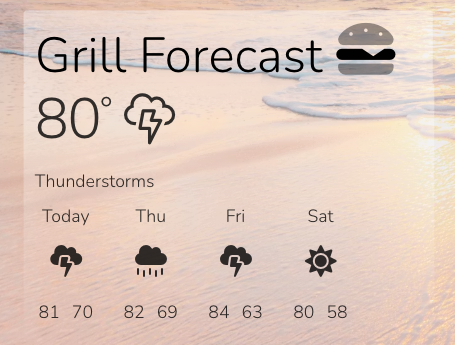
- The Weekend Forecast: Adjust your Weather block to show a multi-day forecast so Dad can plan when to fire up the grill without getting rained out.
- Add “Dad Jokes”: Lighten up your family’s morning routine by adding a daily joke right to your screen. Go to the News and Education section when adding a block and select Dad Jokes. (You can also use a Fetch or RSS block if you have your own favorite joke feed). It is a guaranteed way to get an eye roll from everyone in the house!

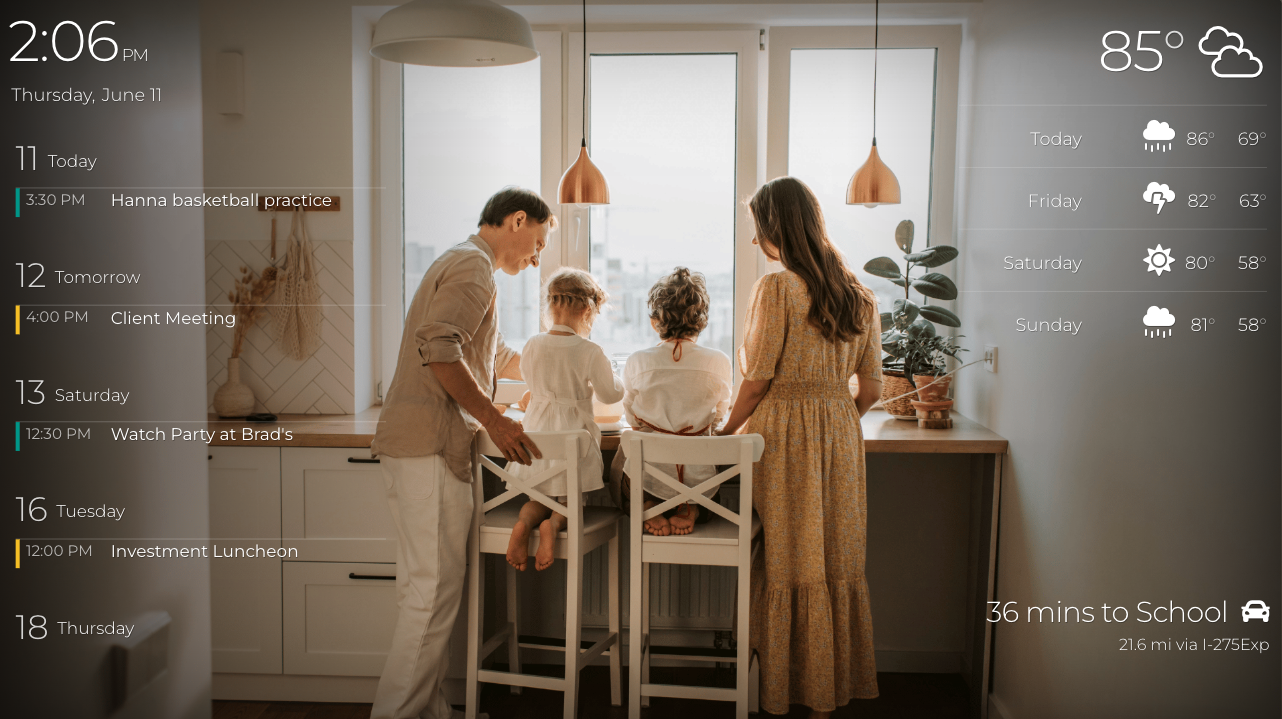
- Showcase Favorite Memories: Set up a dedicated Photo block linked to an album in Google Photos, Apple Photos, or Dropbox filled with great pictures of Dad and the kids over the years.
- Track the Summer Game: Add a ScoreStream widget to track Dad’s favorite baseball or soccer teams so he never misses a game.
Get Hands-On With Your DAKboard
Feel the satisfaction of crossing off tasks with a tap. Start your 30-day free trial of Plus to design your perfect screen, or upgrade to the ultimate interactive experience with a premium DAKboard touchscreen.
Follow us on Facebook, Instagram and YouTube to be the first to see our next big reveal!