 by
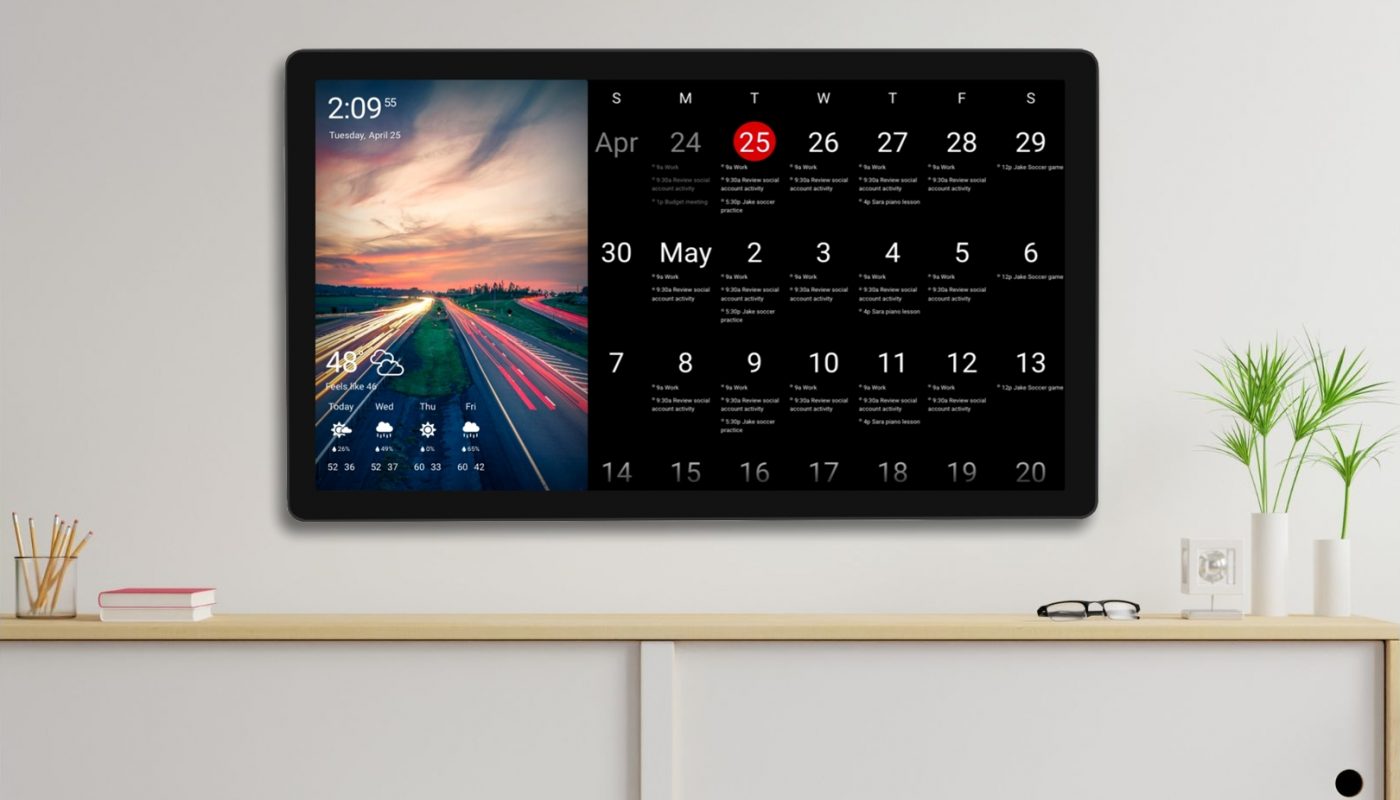
by We are incredibly excited to announce the newest addition to our shop lineup: the DAKboard Wall Display Touch 27! If you love the interactivity of our original Touch 22 display but have been craving a larger canvas for your family or office organization, this is exactly what you have been waiting for.
The Touch 27 features the exact same powerful, responsive touchscreen capabilities as the Touch 22, but now scaled up to a stunning 27-inch screen. It is the ultimate smart family center, giving you even more room to view your calendar, manage your smart home, and showcase your favorite memories in brilliant detail.
Unlock the Full Potential of Your Touchscreen
Since launching our very first touchscreen wall display, we have continuously rolled out new software updates to make your interactive experience even better. A bigger screen means more room for interactive blocks! To celebrate the launch of the Touch 27, we wanted to highlight some of the amazing touch functionalities you can take advantage of on your new display:
- Add Calendar Events on the Fly: Managing your schedule is a breeze. You can tap your screen to add events directly to your Google Authenticated Calendars (and our newly announced Microsoft Calendars!).
- Smart Home Control: Tap your screen to control your smart appliances! If you use Home Assistant or SmartThings, you can flip lights and switches on and off right from your DAKboard.
- DAKboard To-Do List: Stay on top of your daily tasks. You can add, complete, and reopen items on your DAKboard To-Do list directly from the screen.
- Whiteboard Block: Leave quick notes or draw pictures for the family! This block turns a section of your display into an interactive whiteboard that you can draw on with your finger.
- Google Maps Navigation: You can pan, zoom, and interact with the Google Maps block tools right on your wall display.
- Photo Block Controls: Want to see the next photo? You can enable an option in your Photo Blocks to advance to the next image in your album with a simple tap.
- External Links and Easy Return: We added the ability to enable or disable external links in your RSS feed blocks. If you tap a link to read an article, DAKOS devices on version 4.07 and above provide a convenient “BACK” button in the upper left corner (or a simple swipe return) to easily navigate back to your main screen without needing to reboot.
- Scrolling on Predefined Screens: Even if you use our Predefined Screens, you can use touch functionality to scroll through lengthy calendars and to-do lists that don’t fit on a single page.
Thanks!
We hope you love the new Touch 27 and all the interactive features designed to make your day-to-day life easier. As always, feel free to comment below, or contact us through our support site with any questions or feedback.
Follow us on Facebook, Instagram and YouTube to be among the first to learn about new integrations, tutorials, tips and inspiration.