 by
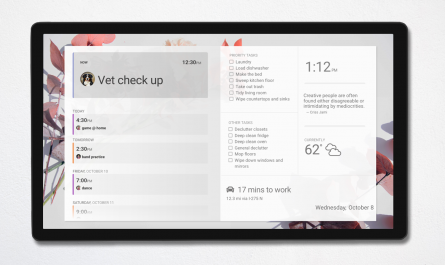
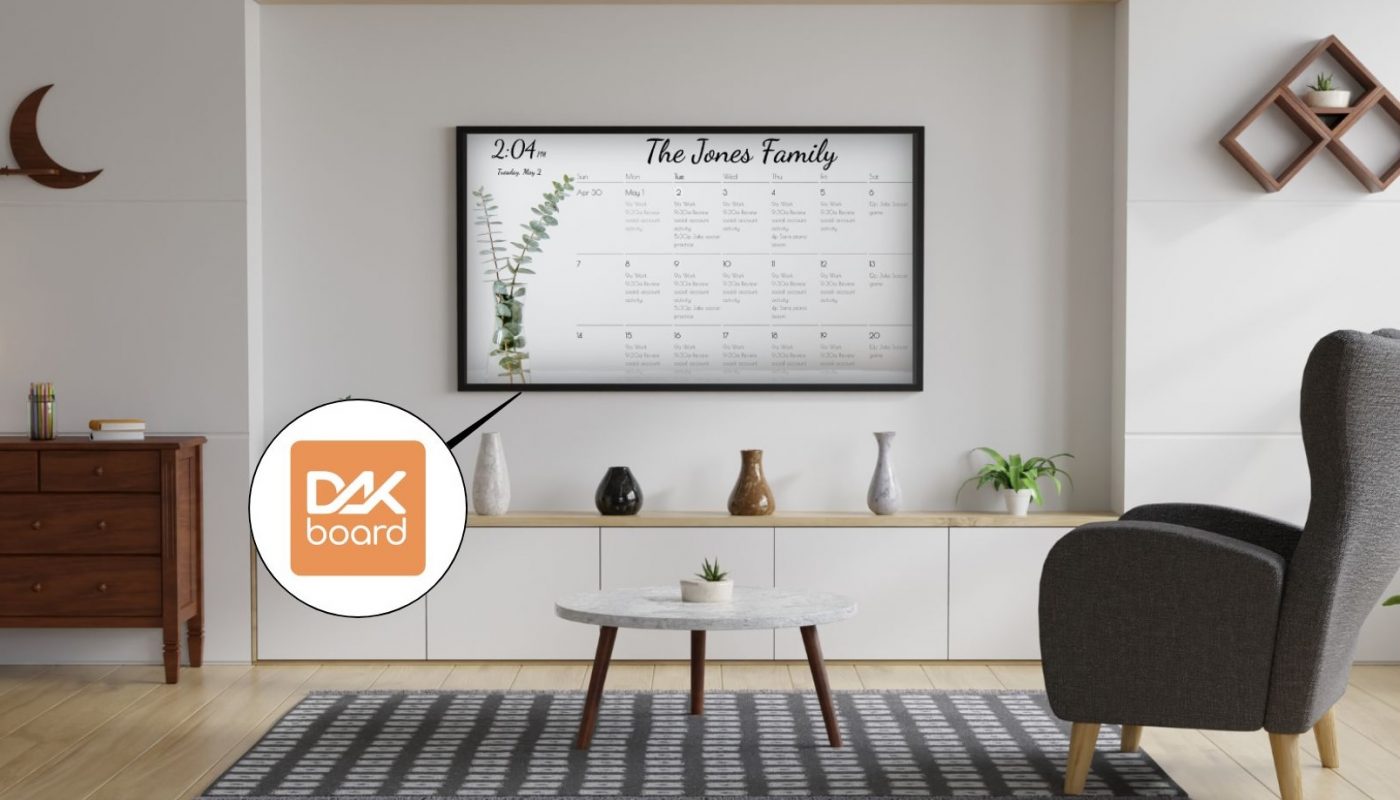
by We are excited to announce the DAKboard App is now officially available for Android TVs! You can now effortlessly turn your big screen into a beautiful, native DAKboard display right from your television.
While we first launched our new DAKboard App for Android smartphones and tablets in January, bringing this functionality to Android TVs expands your options even further to create the ultimate smart home display.
Automatic Resolution Scaling
Setting up a new custom screen on a device just got drastically simpler. We have introduced automatic resolution compensation based on display device resolution.
What does this mean for you?
Your screen layout will automatically adapt to fit perfectly on whatever device you are using to view it. No more needing to find and select the resolution of your display for your screen. The system ensures your full content fits beautifully without getting cut off or distorted. This guarantees your layout always looks sharp and perfectly proportioned on any screen!
You can learn more about how the automatic scaling works in our support article here.
Immich Photo Source Integration
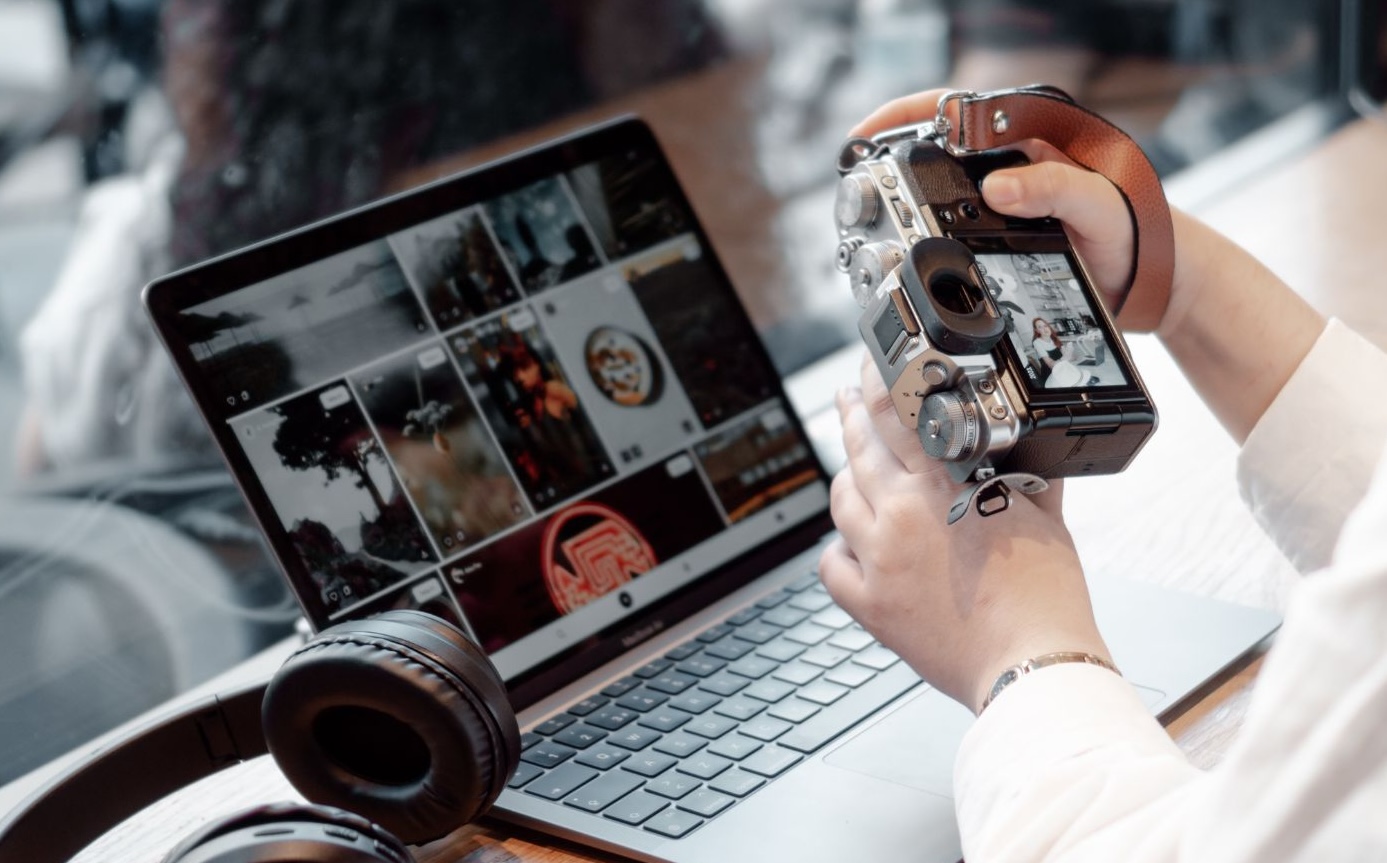
You can now use Immich to show off your personal memories. This is our first integration with a self-hosted photo service! If you aren’t familiar with it, Immich is a great open source alternative to cloud services like Google Photos, giving you complete data privacy and total control over your library right from your own home server.
It is a powerful backup solution that still offers great modern features like facial recognition and smart search. Now you can easily enjoy those privately hosted photos displayed beautifully on your screens.
Learn how to add your photos from Immich here.
Add and Edit Microsoft Calendar Events via Touch
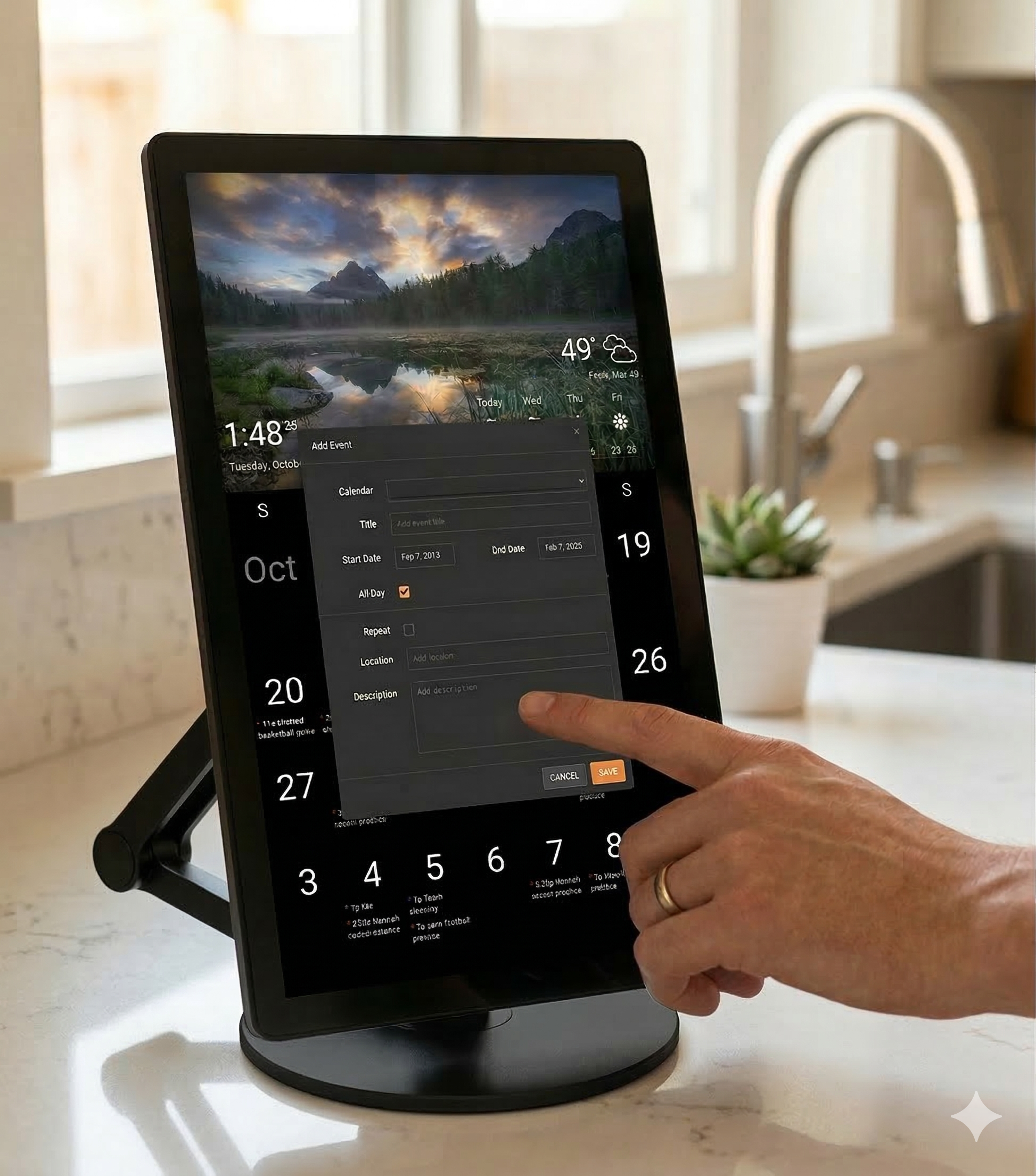
You can now directly edit and add events from authorized Microsoft calendars right on your touchscreen! We have enhanced the calendar block to provide the same modal pop-up functionality that we currently offer for Google Calendar, but now with Microsoft as the source.
You can quickly add event details, dates, and times directly on your DAKboard display, making it convenient to manage your busy schedule on the fly. Click here to see how you can turn on the touch function for your Microsoft calendars.
DAKOS 4.13 for Raspberry Pi
We have also rolled out DAKOS version 4.13 for Raspberry Pi! This update brings several important improvements behind the scenes to keep your displays running smoothly. Check out the full release notes here for all the details.
Thanks!
We hope you find this functionality in DAKboard useful. As always, feel free to comment below, or contact us through our support site with any questions or feedback.
Follow us on Facebook, Instagram and YouTube to be among the first to learn about new integrations, tutorials, tips and inspiration.